25 Best Free Online Games You Can Play Without Downloading
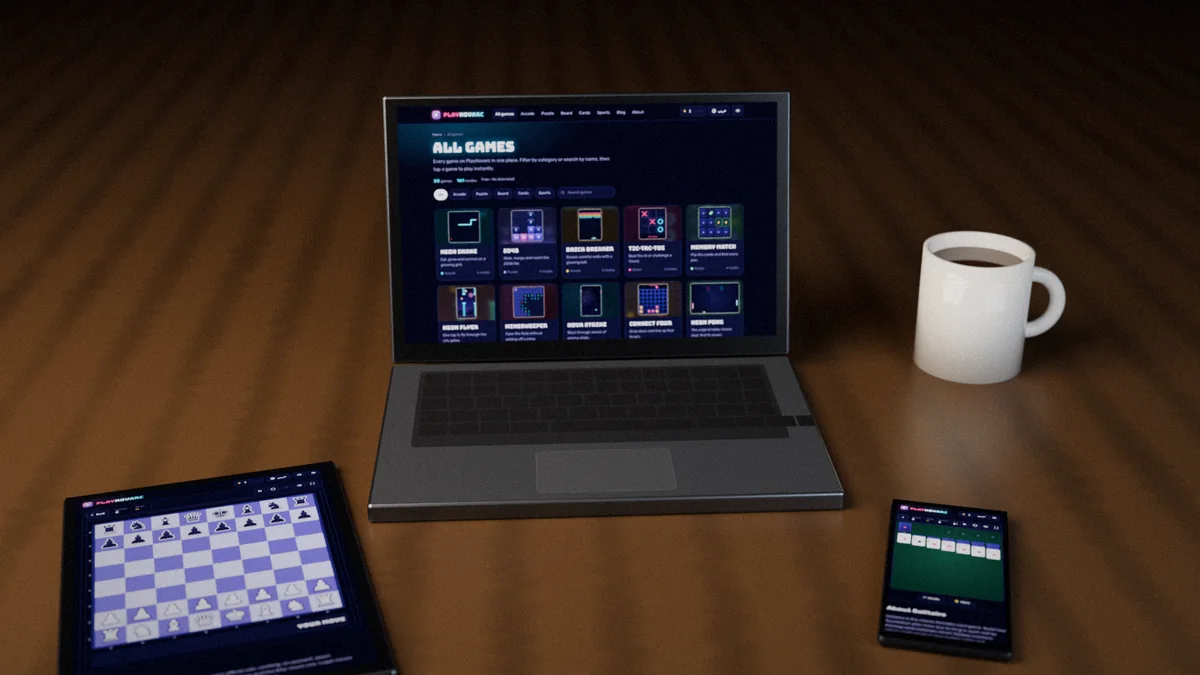
You do not need an app store, an account or a gigabyte of free space to play a good game. Everything on this list runs in your browser: open the page, press Play and you are in. These are the 25 best free online games you can play without downloading on PlayNovarc, picked from our library of 50 and grouped by type, from quick brain teasers to two-player duels.
Every game below is free, works on computers, tablets and phones, and keeps your best score on your device. If you would rather browse everything, the full list of free online games lets you filter by category or search by name.
Pick a game by mood and time
Not sure where to start? Match how you feel with how long you have. A two-minute break suits a one-tap game like Stack Tower; a quiet evening suits Mahjong or a full game of chess. The list below explains what makes each one worth your time.
How we chose these 25 games
- Instant play. Each game starts in seconds on the first visit, with nothing to install and no sign-up.
- Works everywhere. Every pick has proper touch controls for phones and keyboard or mouse controls on a computer.
- Room to grow. Each game has between three and four modes, so there is an easy way in and a harder challenge once you improve.
- A good mix. We balanced calm and fast games, solo and two-player games, short sessions and long ones.
Best free puzzle and brain games
Puzzle games are the most popular free online games for a reason: they are easy to start, they reward practice, and a single round fits into almost any gap in your day. These eight are the best in our puzzle games collection.
1. Sudoku
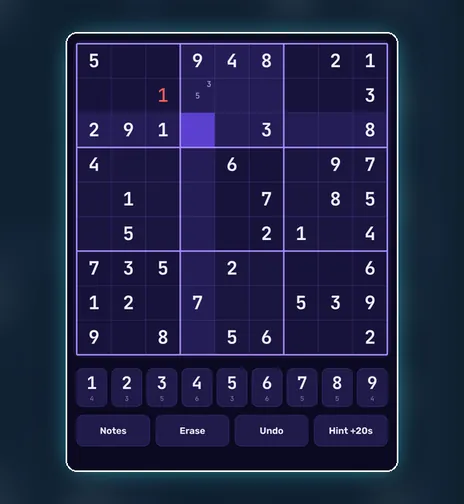
The world's favourite number puzzle: fill the 9×9 grid so every row, column and box holds 1 to 9. Four levels run from a relaxed 40-clue warm-up to Expert, with pencil notes, hints and undo, so you can learn as you go.
2. 2048
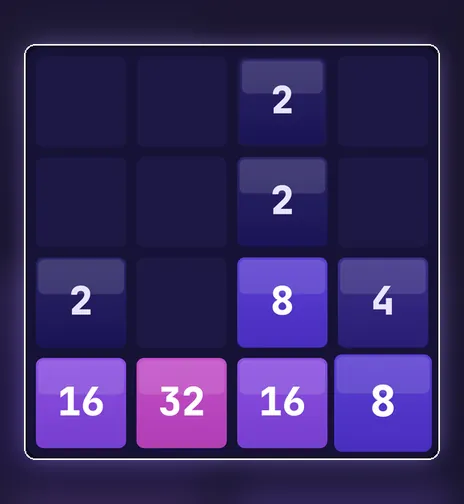
Slide numbered tiles, merge matching pairs and try to build a 2048 tile. It takes ten seconds to learn and much longer to master. Try the classic 4×4 board, a roomy 5×5, a tiny 3×3 or a three-minute Time Attack.
3. Word Guess
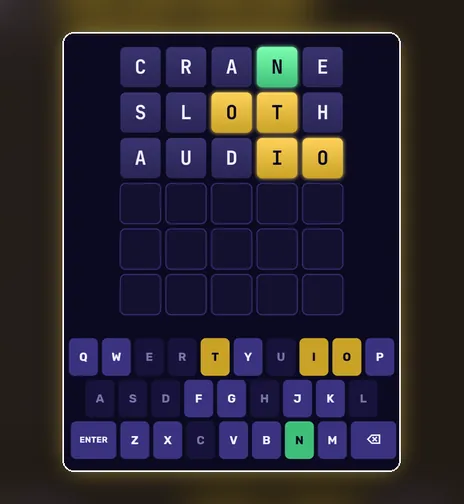
Guess the hidden five-letter word in six tries. Green means right letter, right place; yellow means the letter is somewhere else. Play an unlimited Streak, the shared Daily word, Hard mode, or a four-letter Arabic mode with its own keyboard.
4. Minesweeper
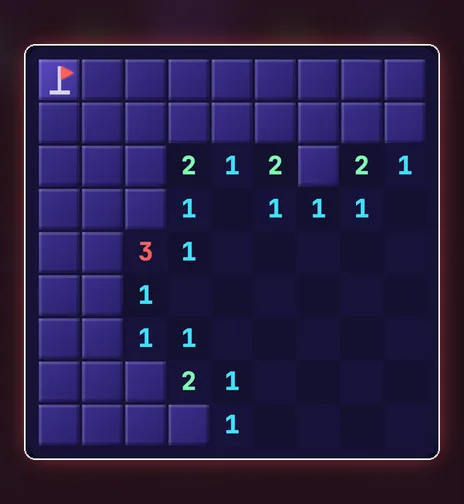
The classic logic game: every number tells you how many mines touch that square. Start on the 9×9 Beginner field with 10 mines and work up to Expert, 30×16 with 99 mines. On a phone, tap to reveal and long-press to flag.
5. Block Drop
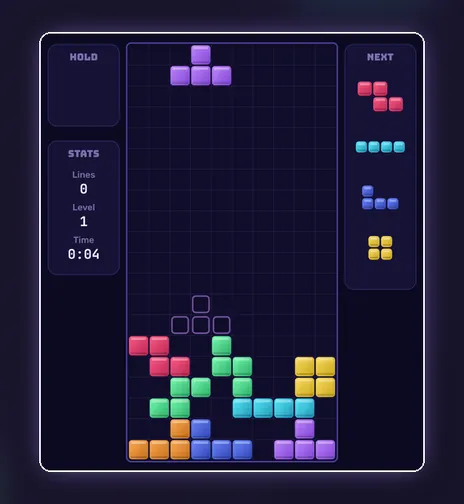
Rotate and drop falling blocks to clear lines before the stack reaches the top. Marathon levels up every ten lines, Sprint 40 is a race against the clock, and Ultra gives you two minutes to score as much as you can.
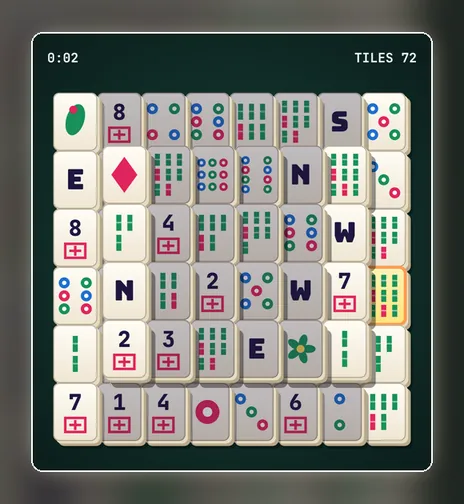
6. Mahjong Tiles
Mahjong solitaire: match pairs of free tiles until the whole stack is cleared. Choose 72, 104 or 128 tiles, and use the hint and undo buttons when you get stuck. It is one of the most relaxing games on the site.
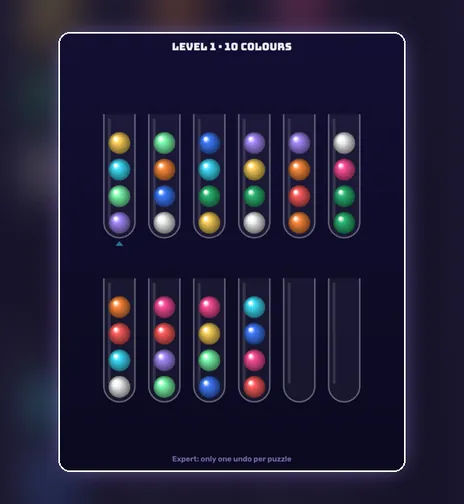
7. Ball Sort
Move coloured balls between tubes until each tube holds a single colour. You can only drop a ball onto the same colour or into an empty tube, so every move needs a little thought. Ten levels, a timed mode and an expert set.
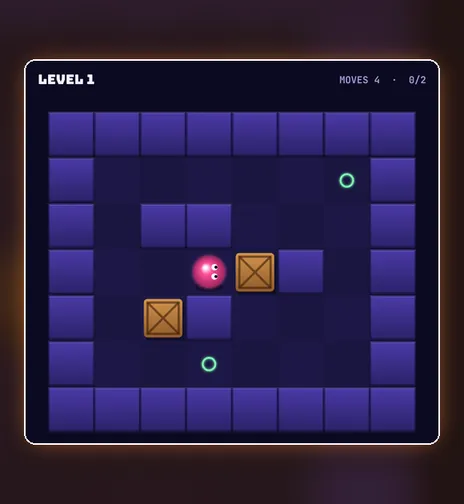
8. Crate Pusher
Push every crate onto a target, but you can only push, never pull, so one careless move can trap a box in a corner. Three packs of six warehouses take you from gentle to genuinely tricky. Undo is one key away.
Want to get better quickly? Read our guides to Sudoku solving techniques, the corner strategy for 2048 and Minesweeper patterns.
Best free card games
Card games were among the first games most people played on a computer, and they still work perfectly in a browser. Both picks are solitaire games, so you can play them alone at your own pace. More are in the card games section.
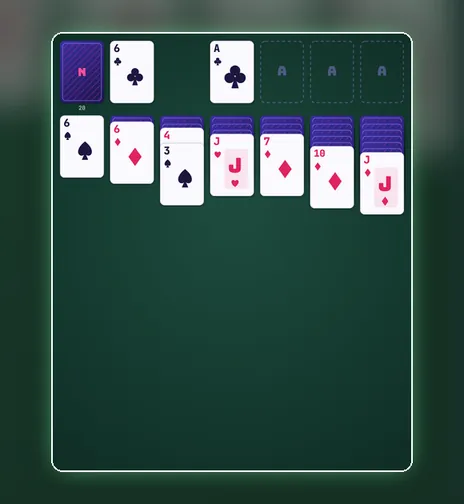
9. Solitaire
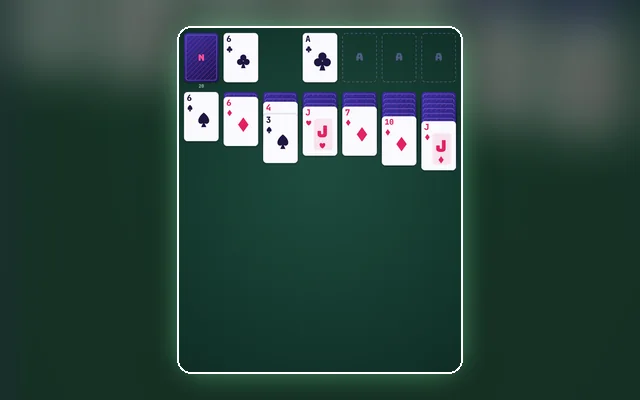
Classic Klondike solitaire, the card game millions of people know from their first computer. Drag or tap cards, undo any move and ask for a hint. Draw 1 is friendly, Draw 3 is the traditional challenge, and 5-Min Rush is pure speed.
10. FreeCell
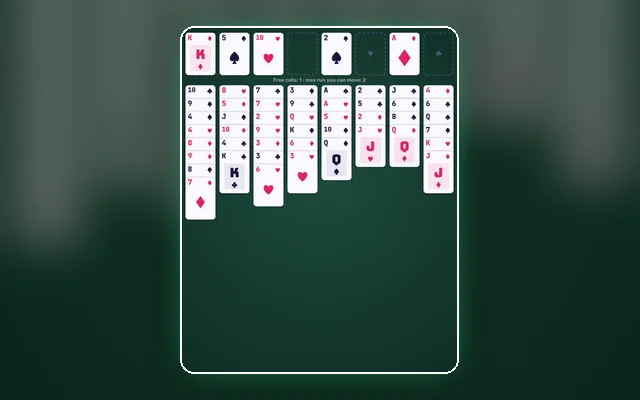
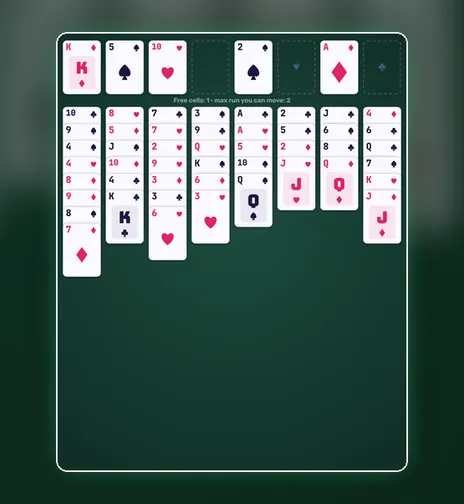
Solitaire where every card is dealt face up, so almost every deal can be solved with careful planning. Use the four free cells as temporary parking. Relaxed mode moves whole runs at once, and Hard leaves you only three cells.
New to solitaire? Start with how to play Solitaire and how to set up a Solitaire game.
Best free board games against the computer
Board games are perfect for the browser because you can play the computer at the level that suits you, or pass the device to a friend. These five come from our board games collection.
11. Chess
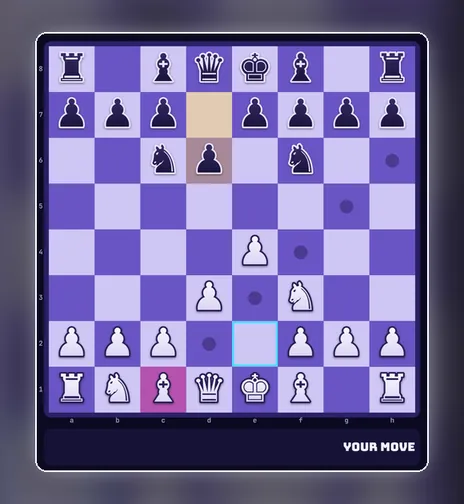
Play chess against the computer at three levels or against a friend on the same screen. Easy is gentle enough for learning, Medium looks two moves ahead, and Hard searches deeper. Move by tapping, clicking or dragging.
12. Connect Four
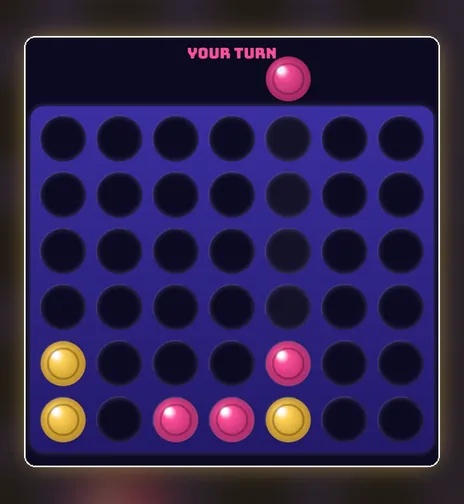
Drop discs into a seven-column grid and line up four before your opponent does. The easy computer is a casual partner; the hard one looks six moves ahead, so you need a real plan. Two players can share one device too.
13. Checkers
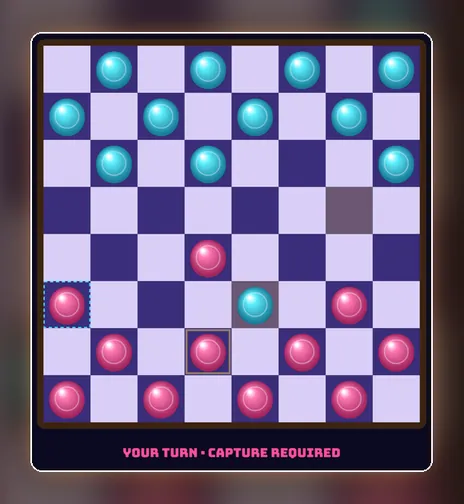
Jump, capture and crown your kings in classic checkers. Beyond the easy and hard computer opponents there is Giveaway, where the goal flips and you win by losing all your pieces first.
14. Reversi
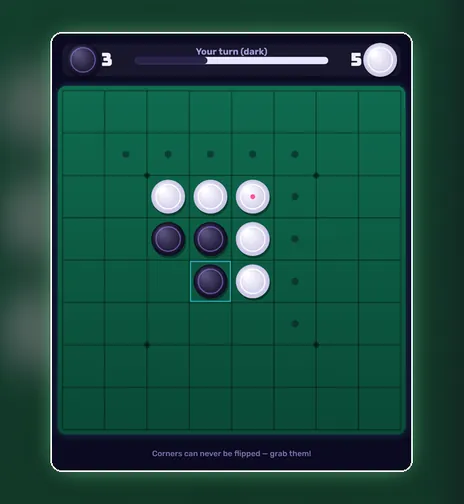
Place discs to trap your opponent's pieces between yours and flip them to your colour. The board can turn around in a single move, which makes every game tense until the very end. The hard computer plays perfect endgames.
15. Sea Battle
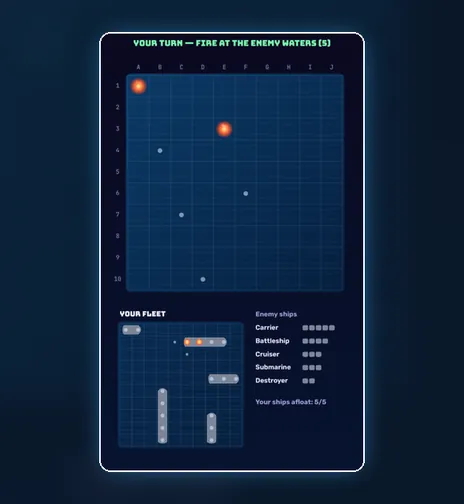
Hunt the hidden enemy fleet square by square before it sinks yours. The Classic computer hunts methodically, the Admiral calculates probabilities, and Salvo gives one shot for every ship still afloat.
Improve your board game skills with seven chess lessons from the Opera Game and our tic-tac-toe strategy guide.
Best free arcade games
Arcade games are all about reflexes and the urge to beat your last score. These six bring the spirit of the classic arcade cabinets to a modern screen, with touch controls that work on phones. See every title in the arcade games section.
16. Neon Snake
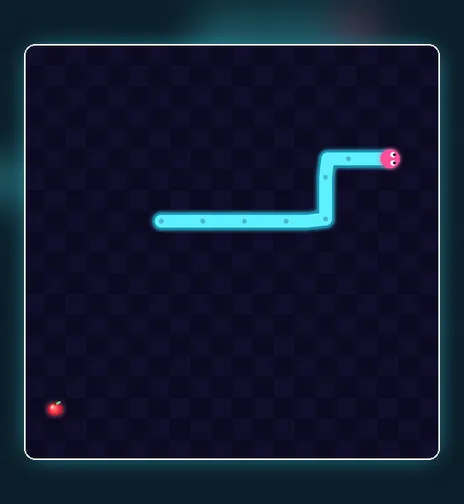
Eat, grow and try not to bite your own tail. Classic speeds up with every apple, Portal lets you wrap around the edges, Maze adds walls and Blitz gives you sixty seconds. Swipe on a phone or use the arrow keys.
17. Brick Breaker
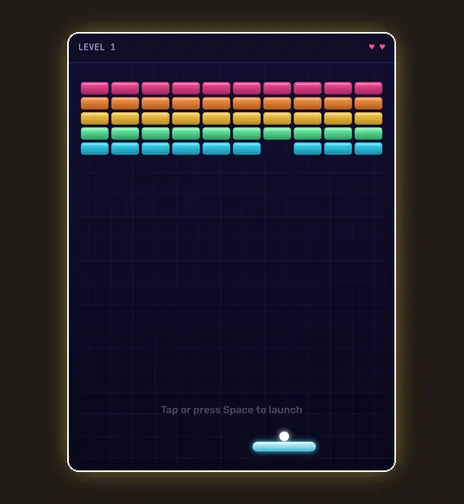
Bounce a glowing ball off your paddle and smash every brick. Classic has five levels, three lives and power-ups; Hardcore gives you one life and a smaller paddle; in Endless the wall keeps moving down towards you.
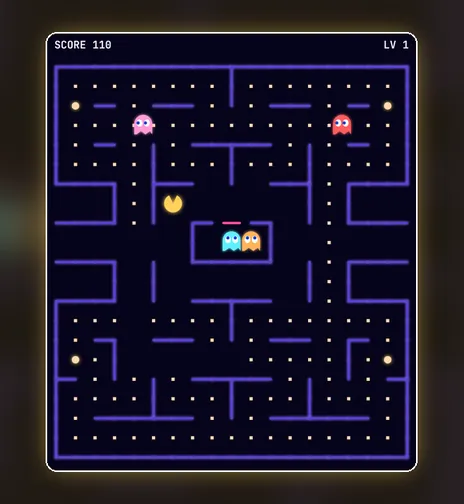
18. Maze Muncher
Eat every dot in the maze while four ghosts chase you, then grab a power orb and turn the tables. Hard mode has faster ghosts and one life, and Frenzy is two minutes of nonstop chasing.
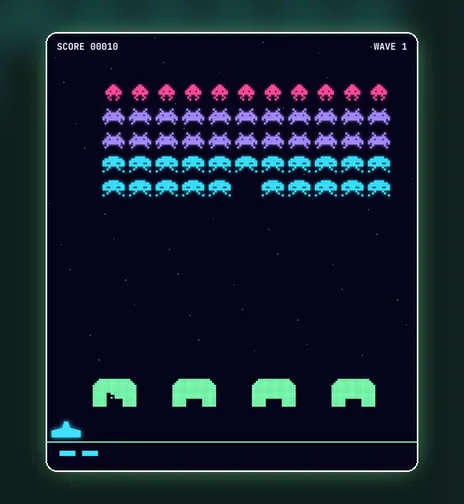
19. Alien Invasion
Rows of aliens march down the screen and every wave drops lower. Move your cannon, shoot through the gaps and hide behind the shields. Rapid Fire lets you hold the button for up to three shots at once.

20. Fruit Slicer
Swipe through flying fruit and never touch a bomb. It is the best game on the list for a touch screen, and the 60-second Arcade and 90-second Zen modes fit perfectly into a coffee break.
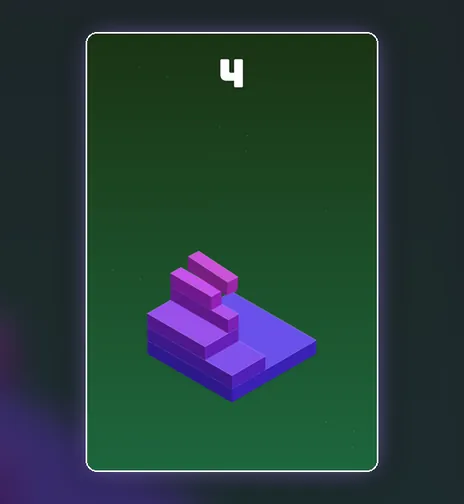
21. Stack Tower
One tap drops one block. Land it exactly on the block below or the overhang is sliced off and your tower gets narrower. It is the simplest game here, and one of the hardest to put down.
Best free sports games
Sports games are short, physical and easy to understand. Most use simple drag-and-release controls that feel natural with a finger or a mouse. The rest are in our sports games section.
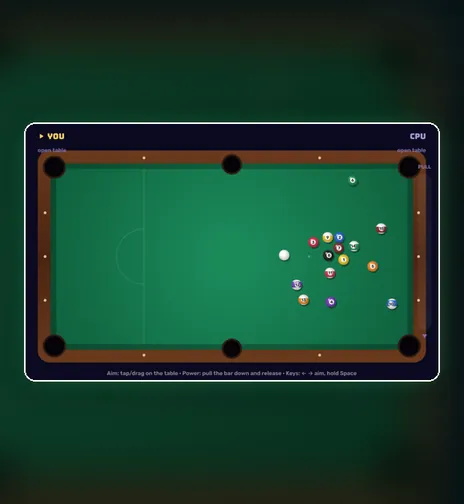
22. 8-Ball Pool
Full 8-ball pool against the computer or a friend: aim, pull back the power bar and sink your group before the black. Clear the Table is a solo challenge to pot all fifteen balls in as few shots as possible.
23. Air Hockey
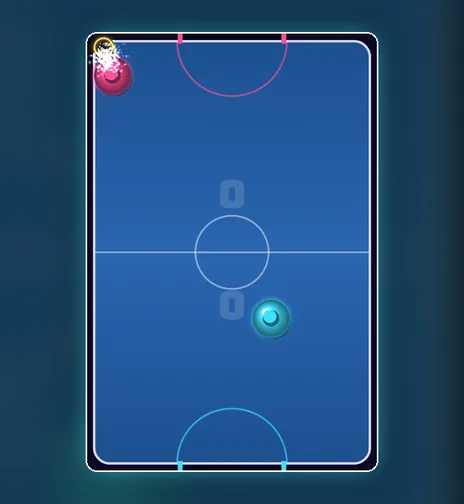
Slam the puck into your opponent's goal; first to seven wins. Play the computer at two levels, or put a phone or tablet flat on the table and play a friend, each controlling one half of the screen.
24. Mini Golf
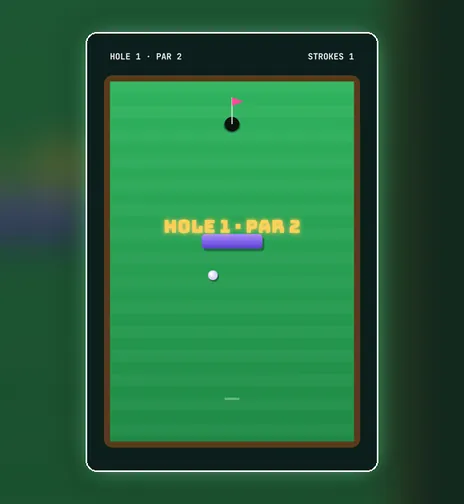
Nine holes of bumpers, sand, water and moving gates. Drag back, release and try to finish in the fewest strokes. Quick 3 is a short round, and Hole in One gives you a single shot per hole.
25. Penalty Kicks
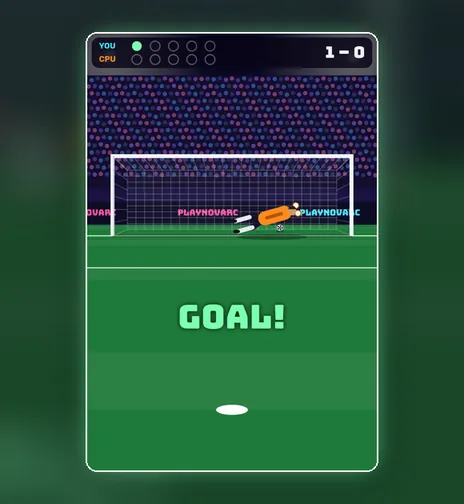
Bend your shot past the keeper, then dive to save one yourself. Shootout is a best-of-five against the computer, Target Practice tests your aim, and Sudden Death goes on until you miss.
How online games work without a download
Modern browsers can run full games using open web technologies, mainly HTML5 and JavaScript. Mozilla's guide to web game development explains that these games run in any standards-compliant browser. When you open a game here, your browser loads a small page and the game's code, then runs it locally on your device. Nothing is installed, and closing the tab is all it takes to stop.
That approach has real advantages. You never have to update an app, the game takes up no storage on your phone, and you can switch from your computer to your phone in seconds. Because there is no installer to download, you also avoid one of the most common ways unwanted software gets onto a computer.
Tips for playing free games in your browser
- Use full screen. Every game has a full-screen button in its toolbar. It hides distractions and gives you a bigger board on small phones.
- Add the site to your home screen. On a phone, use your browser's “Add to Home Screen” option to open PlayNovarc like an app.
- Games you have opened keep working offline. After you have visited a game once, it can open again from your browser's cache even on a weak connection.
- Your best scores stay with you. Records are saved in your browser on that device. Clearing your browser data will reset them.
- Turn the sound on or off with the speaker button, which remembers your choice.
Frequently asked questions
Are these games really free?
Yes. Every game on PlayNovarc is free to play, with no purchases needed to unlock levels or modes.
Do I need to create an account?
No. There is no sign-up or login. Open a game and press Play.
Can I play these games on my phone?
Yes. All 25 games work on phones and tablets with touch controls, and on computers with a keyboard or mouse. Games such as Fruit Slicer, Stack Tower and Ball Sort feel especially natural on a touch screen.
Which games can two people play on one device?
Chess, Checkers, Connect Four, Reversi, Air Hockey and 8-Ball Pool all have a two-player mode on one screen. Tic-tac-toe, Dots & Boxes and Neon Pong do too.
Can I play in Arabic?
Yes. The whole site is available in Arabic, and Word Guess has a dedicated Arabic mode with four-letter words and an Arabic keyboard.
Start playing
The best way to find your favourite is to try a few. Start with one game from each section, see which one you keep coming back to, and then open the complete collection of 50 free online games to explore the rest. No download, no waiting: just play.